
Best Safety Apps: Comparison Guide for 2026
740 workplace deaths caused by violent acts in 2023 and an estimated 53 million lone workers across the United States, Canada, and Europe show why the best safety apps must do more than send an SOS. The strongest options combine fast activation, reliable location, live context, and a person or dispatch system capable of responding.
An SOS button is only the beginning of a safety workflow. The central question is what happens after activation: who receives the alert, what information they can see, whether the user can communicate, and how the incident escalates when the user can’t respond.
| Safety capability | Why it matters | What a serious app should provide |
|---|---|---|
| Rapid activation | Distressed users may not have time to navigate several screens. | One-tap SOS, lock-screen access, or another low-friction trigger |
| Location intelligence | A map pin without confidence or freshness can mislead responders. | Current location, timestamp, uncertainty information, and a last confirmed position |
| Live context | Recipients need to understand whether the situation is developing. | Audio, video, route information, or structured incident details |
| Human response | An alert can be missed, misunderstood, or sent to someone unable to act. | Trained monitoring, acknowledgement, and defined escalation |
| Privacy controls | Constant tracking can discourage adoption and expose sensitive movements. | Consent, visible status, data minimization, retention controls, and safe pause options |
Table of Contents
- The Real Risk Behind Personal Safety
- What Separates Effective Safety Apps
- Technical Benchmarks for Evaluation
- Introducing 3rd-i and Its Distinctive Features
- Choosing the Right Safety App for Your Scenario
- The Privacy Paradox in Safety Technology
- Implementing Your Safety App Strategy
The Real Risk Behind Personal Safety
Workplace violence was the third-leading cause of fatal occupational injuries in 2023, according to the U.S. Occupational Safety and Health Administration’s workplace violence overview. The Bureau of Labor Statistics recorded 5,283 fatal workplace injuries that year, including 740 deaths caused by violent acts. Workplace homicides accounted for 458 of those deaths, or 61.9% of violent-act fatalities and 8.7% of all work-related fatalities, as reported in the same OSHA source.
Those figures change the definition of a safety app. This isn’t only a tool for a student walking home or a family member checking whether someone arrived. It also concerns employees working alone, travelling between sites, handling customers, working night shifts, or operating without a nearby supervisor who can see that something has gone wrong.
Isolation changes the response problem
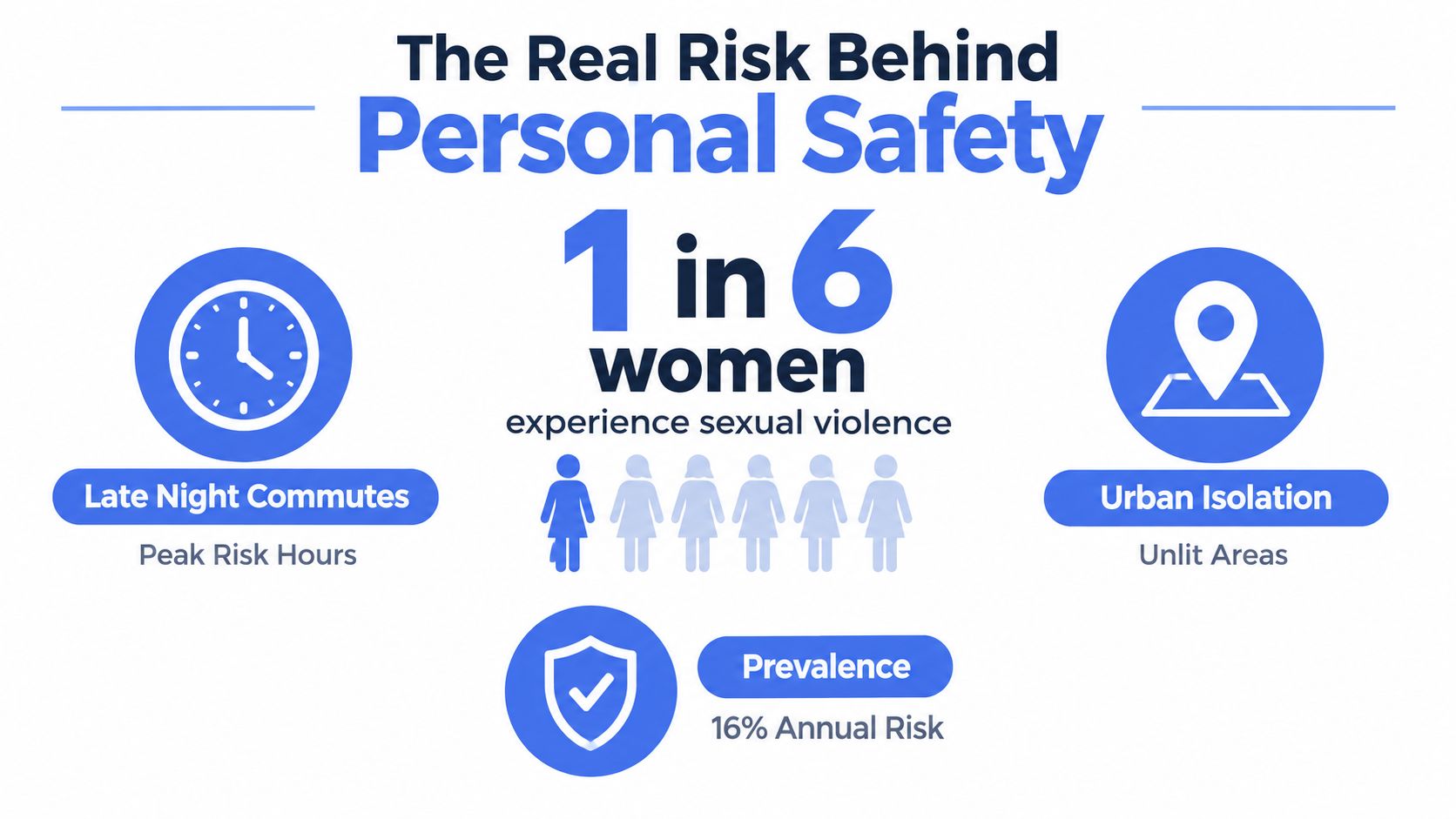
A CDC/NIOSH publication estimates 53 million lone workers across the United States, Canada, and Europe, approximately 15% of the overall workforce. Lone workers can face greater exposure to violence because colleagues or supervisors may not immediately observe an incident or summon help.
That doesn’t mean every lone worker needs continuous surveillance. It does mean the app must account for the possibility that the user won’t be able to type a message, explain a location, or confirm that an alert was accidental. A missed check-in may require a different workflow from a deliberate SOS, and a person in danger may need an agent to interpret partial information.
Practical rule: Treat a safety alert as the start of an incident workflow, not as proof that help is already on the way.
The most useful evaluation criteria follow directly from that risk. An app should support rapid activation, two-way communication, location sharing, and escalation. It should also preserve meaningful information when a connection weakens or the user becomes unable to interact.
Why a phone button isn’t a complete strategy
Built-in emergency features can be valuable, but a button alone doesn’t tell a trusted contact what happened, whether the user is still moving, or whether someone has acknowledged the alert. Location-only tools have the same limitation. They may identify a position without explaining the incident or connecting the recipient to a person who can make a decision.
This is why comparisons of the best safety apps should start with the response chain. The relevant sequence is intent, activation, delivery, interpretation, communication, and escalation. Any weak link can leave the user with an alert that technically sent but practically failed.
What Separates Effective Safety Apps
The most important distinction is activation-to-response latency. A backend can be reliable while the user interface remains too slow or complicated for someone under stress. In a simulated emergency-management study, sending an alert through a mobile application took approximately 30 seconds on average, including selection of the response provider and event keywords, according to the published mobile emergency-management evaluation.
That result doesn’t establish a universal response time. It does establish a product-design principle: users shouldn’t have to make several decisions during a crisis. Preconfigured contacts, one-tap SOS, lock-screen access, and low-text interactions reduce the number of actions between recognizing danger and transmitting useful information.
The response chain matters more than the feature list
A comparison should separate four layers that many app roundups combine:
- Detection or reporting: The user, device, or a scheduled check-in identifies a possible problem.
- Transmission: The app sends an alert and supporting data through the available network.
- Human interpretation: A trusted contact, Safety Agent, campus team, or dispatcher decides what the information means.
- Escalation: Someone calls, chats, contacts security, or routes the incident to emergency services.
A family location app may perform the first two layers well. A monitored service may add the third and fourth. Neither category is automatically right for every user, but they solve different problems and shouldn’t be scored as equivalent because both display an SOS icon.
A useful overview of modern protection with an app can help employers think beyond lone-worker check-ins and consider how alerts fit into broader workplace procedures. The central question remains operational: does a real person know what to do when the alert arrives?
Human monitoring changes the meaning of an alert
Trusted contacts are often the right choice for routine journeys, family coordination, or consensual location sharing. They may not be available, however, and they may lack the context to judge whether an event needs emergency escalation. A human monitoring layer can call the user, review available information, and follow a defined protocol.
The distinction is especially important when the user can’t speak openly. A safety service should clarify whether an agent can see live context, whether the user can communicate without speaking, and whether the agent can escalate without waiting for a complete verbal explanation. It should also state clearly that app escalation isn’t a guarantee of police arrival.
Published app tests sometimes report very fast initiation and high delivery rates, but those results can come from specific prototypes and controlled scenarios. Comparisons should disclose device mix, network conditions, sample size, and whether a reported time measures app processing or an actual human response.
Technical Benchmarks for Evaluation
“Real-time GPS” isn’t a sufficient technical specification. Responders need to know the uncertainty radius, the age of the location, and whether the position came from a stable signal or a degraded connection.
An Android Emergency Location Service pilot combined GPS, Wi-Fi, cell-tower data, and other signals. It reported an uncertainty of 50 meters or less for 76% of calls and typically reached the RapidSOS clearinghouse 25 to 30 seconds faster than conventional Wireless Phase 2 location, according to this RapidSOS and Zetron technical document. The benchmark is useful because it focuses on what responders receive, not what a phone claims internally.
For a deeper explanation of the factors that affect location accuracy on mobile devices, evaluate indoor performance, delivery latency, signal changes, and the timestamp attached to every position.
| Metric | Why it matters | What to look for |
|---|---|---|
| Activation time | A user may be moving, frightened, or unable to complete a form. | One-tap activation, lock-screen controls, and minimal text entry |
| Delivery success | A sent alert isn’t useful if the recipient never receives it. | Measured delivery rates across different connectivity conditions |
| Location uncertainty | A map position can still cover a large area. | An explicit uncertainty radius, timestamp, and last confirmed location |
| Context sharing | Coordinates alone rarely explain the incident. | Live audio, video, route information, and structured incident details |
| Acknowledgement time | Users need to know whether someone has seen the alert. | Recipient confirmation, agent contact, or visible monitoring status |
| Escalation behavior | The first recipient may be unavailable or unable to act. | Defined fallback contacts, trained monitoring, and dispatch integration |
| Weak-connectivity behavior | Coverage can degrade during travel or indoors. | Queued events, last known location, timestamp preservation, and graceful recovery |
| Documentation | A post-incident record supports follow-up and review. | Recording controls, transcripts, event logs, and clear retention settings |
Measure usability separately from infrastructure
A technically sound service can still fail at the moment of activation. Test the complete path from intention to transmission, not merely the speed of the server. A meaningful benchmark records the time to begin an alert, successful delivery, recipient acknowledgement, behavior under weak connectivity, and false-trigger handling.
Video can add context, but it also creates its own requirements. The app should indicate whether streaming is active, show who can view it, preserve the last confirmed location if the stream drops, and explain what happens to recordings afterward. Automation can help with movement prompts or missed check-ins, but it should never hide the conditions that trigger an escalation.
The best safety apps therefore make their technical limits visible. They explain what the phone can detect, what the service can transmit, who receives the information, and what happens when the user cannot interact.
Introducing 3rd-i and Its Distinctive Features
A useful benchmark for human-monitored safety technology is 3rd-i. The service combines live video, audio, and location sharing with selected contacts and trained Safety Agents. Its design addresses a practical failure point: an alert may be generated quickly, yet still leave the recipient unsure what is happening or what action to take.
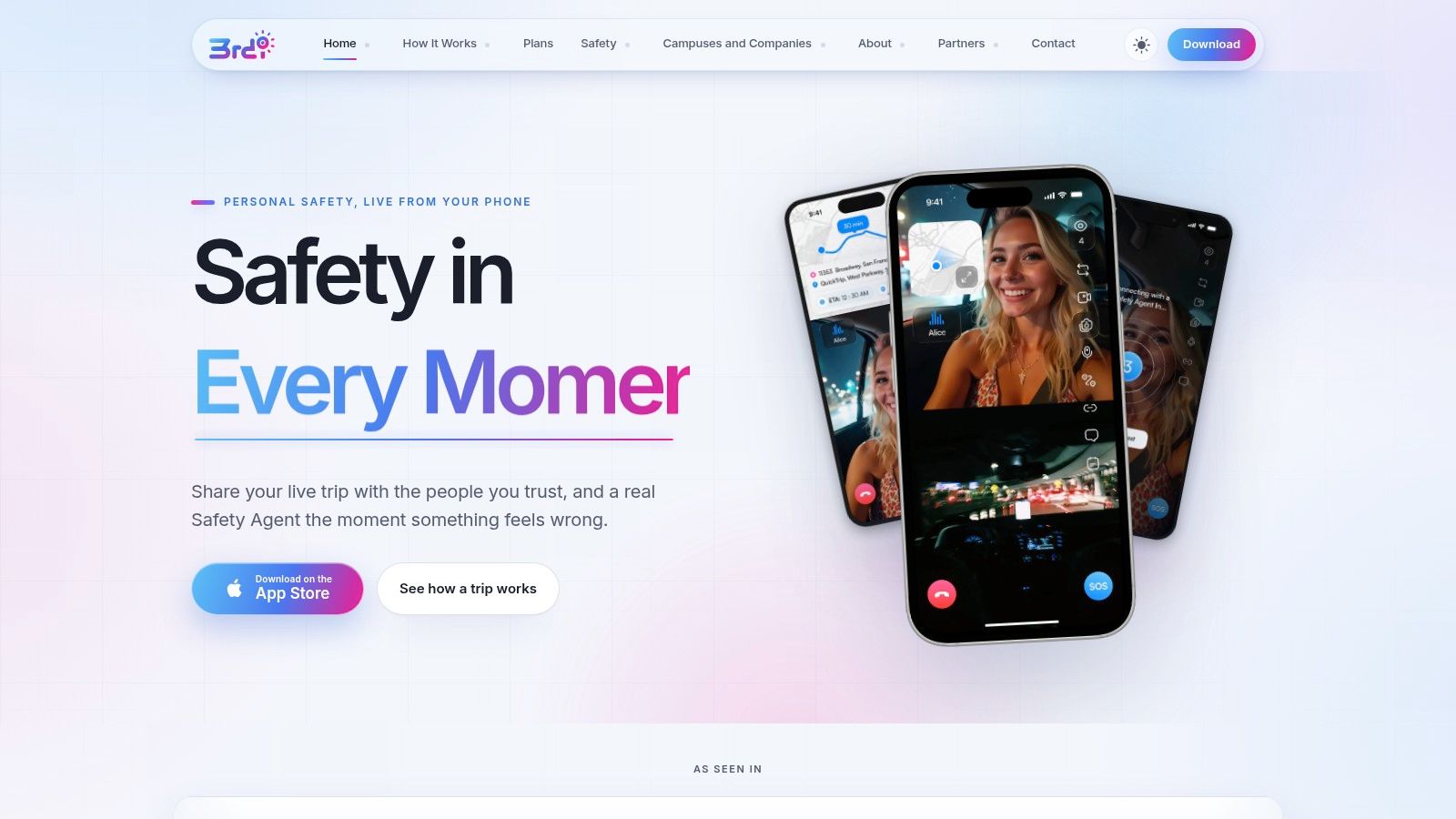
The iOS app’s Go Live function streams video, audio, and route information in real time. Selected contacts can view the route and video through Squad viewing, which displays a watcher count. One-tap prompts, such as checking whether someone is okay, and one-tap responses reduce typing while the user is walking or travelling.
Context is the product decision
The defining product choice is to present route and live video together. A location trail establishes where someone is, but it cannot show whether that person is safe, being followed, experiencing a medical problem, or dealing with a conflict. Live audio and video do not remove uncertainty, but they give a watcher more evidence to interpret.
That distinction changes how the service should be evaluated. Reviewers should examine activation latency, the uncertainty around the user’s location, and whether a human is available to interpret incoming information. An SOS button can transmit a request, while contextual media can help an accountable recipient decide whether to contact the user, continue monitoring, or escalate.
The app supports dual-camera streaming, picture-in-picture, lock-screen widgets, and a request-to-speak function that lets watchers join audio with approval. These options support situations in which the user must keep navigating, use another app, or communicate without holding the phone in one fixed position.
Movement detection prompts can operate within set hours, while Critical Alerts are intended to reach contacts through Do Not Disturb. These functions address missed check-ins rather than relying only on a manually triggered SOS. They can support a planned journey or shift by creating prompts and notification paths.
Escalation must reach an accountable recipient
3rd-i’s SOS flow connects the user to a Safety Agent. The agent can call or chat, view the available stream, and escalate to 911 through RapidSOS when the situation requires it. Emergency for a Friend lets someone request help for another person instead of waiting for that person to operate the app.
RapidSOS integration moves the evaluation beyond contact notification. The stated workflow is designed to send the stream, location, and other critical information to emergency dispatch. It does not replace calling emergency services or guarantee a particular field response. It establishes a response path in which contextual information can reach a system intended to coordinate assistance.
Automatic recording, transcription, and AI summaries create a post-incident record, subject to the service’s controls and retention policies. Buyers should confirm who can access recordings, how long they remain available, and how users can delete or manage them. Visit the 3rd-i website to assess whether its human-monitored approach fits the response chain required.
Choosing the Right Safety App for Your Scenario
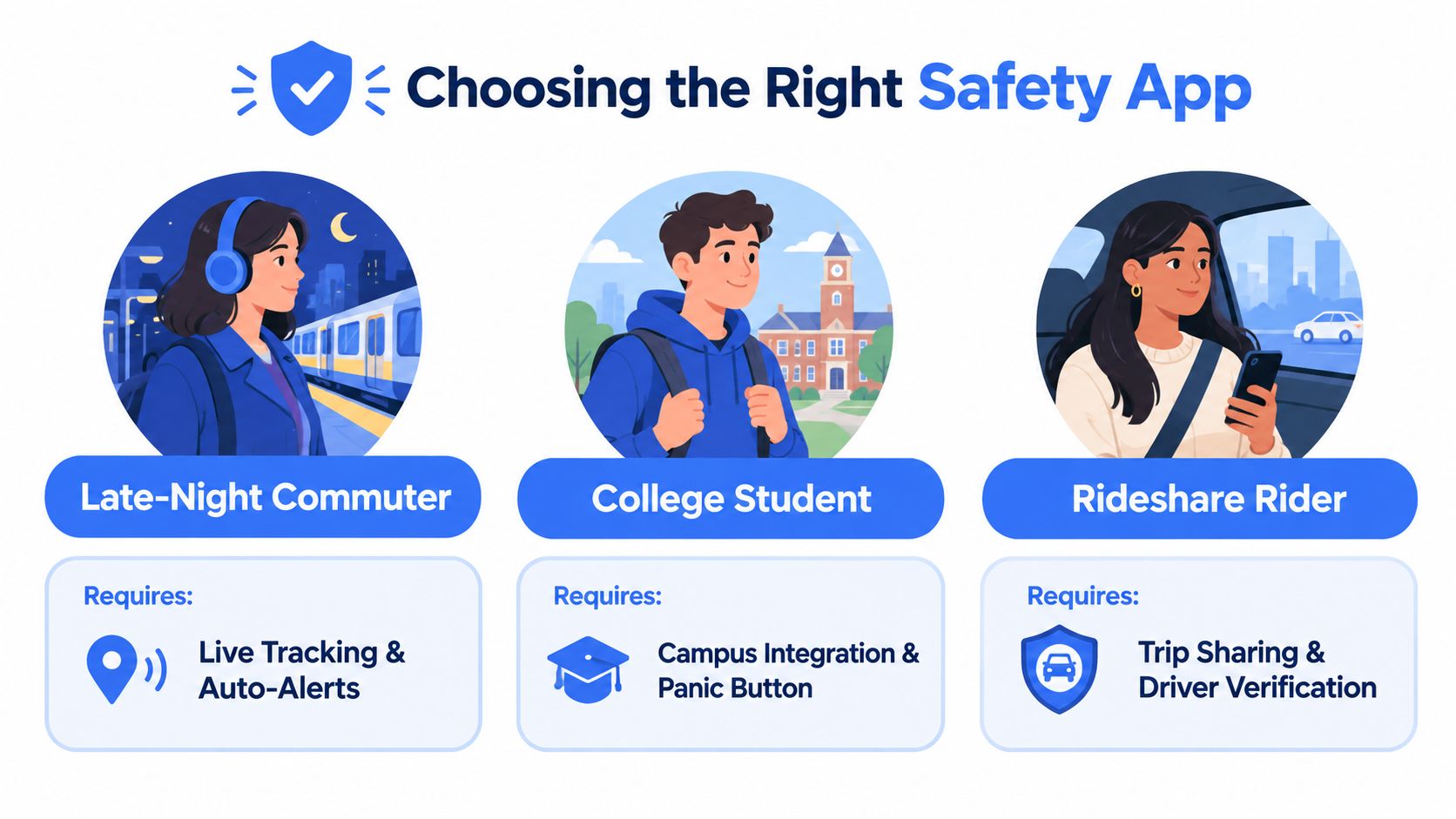
The right choice depends less on the number of features than on the moment in which the user expects help. A late-night commuter, a university student, a rideshare passenger, and a lone-worker program all face different response conditions. This guide sets the criteria; for named apps measured against them, see the best safety apps, seven compared side by side.
Late-night commuters
A commuter needs a low-friction journey workflow. The app should allow the person to begin monitoring before leaving, share a route with chosen contacts, and surface an alert if the journey changes or the person stops responding. Live route visibility is more useful than a single location ping when the trip includes transfers, detours, or an unexpected stop.
Human monitoring becomes more valuable when the commuter may be alone, carrying bags, or unable to make a conventional call. Look for lock-screen access, discreet communication, and a clear escalation path rather than a large collection of optional safety tools.
College students
Campus users should combine the institution’s own emergency channels with personal tools. A campus app may connect students to campus security, maps, alerts, or escort resources, while a personal service can support travel away from campus and communication with family or trusted contacts. Our comparison of travel safety apps for college students covers ten options for both.
The privacy arrangement needs to be explicit. A student should know whether parents, friends, campus staff, or a monitoring team can see a route, receive an alert, or access a recording. Consent-based sharing is more likely to become a dependable habit than an arrangement imposed without clear boundaries.
Rideshare passengers
A rideshare passenger needs trip visibility and incident context. Route information can show whether the vehicle is moving as expected, but it won’t explain a sudden stop or a conversation that makes the passenger feel unsafe. Live audio or video, a watcher who can respond, and an escalation process offer more protection than passive trip sharing alone.
Driver verification and platform reporting remain separate responsibilities. A safety app can preserve information and connect a user with help, but it can’t make assumptions about the driver, guarantee safe driving, or replace emergency services.
Corporate lone workers
Employers should evaluate a service as an operating process, not as an app purchase. Managers need defined escalation rules, coverage for missed check-ins, consent procedures, training, and an answer to the question of who watches an alert outside normal office hours.
A workforce deployment may need centrally issued seats, pooled usage, and policies adapted to field work, night shifts, healthcare, transportation, retail, or public-facing roles. The right tool supports worker autonomy while giving the organization enough information to respond. Continuous managerial tracking isn’t automatically the answer. Employers can compare ten lone worker safety apps by monitoring model, or talk to 3rd-i about a workforce deployment.
The Privacy Paradox in Safety Technology
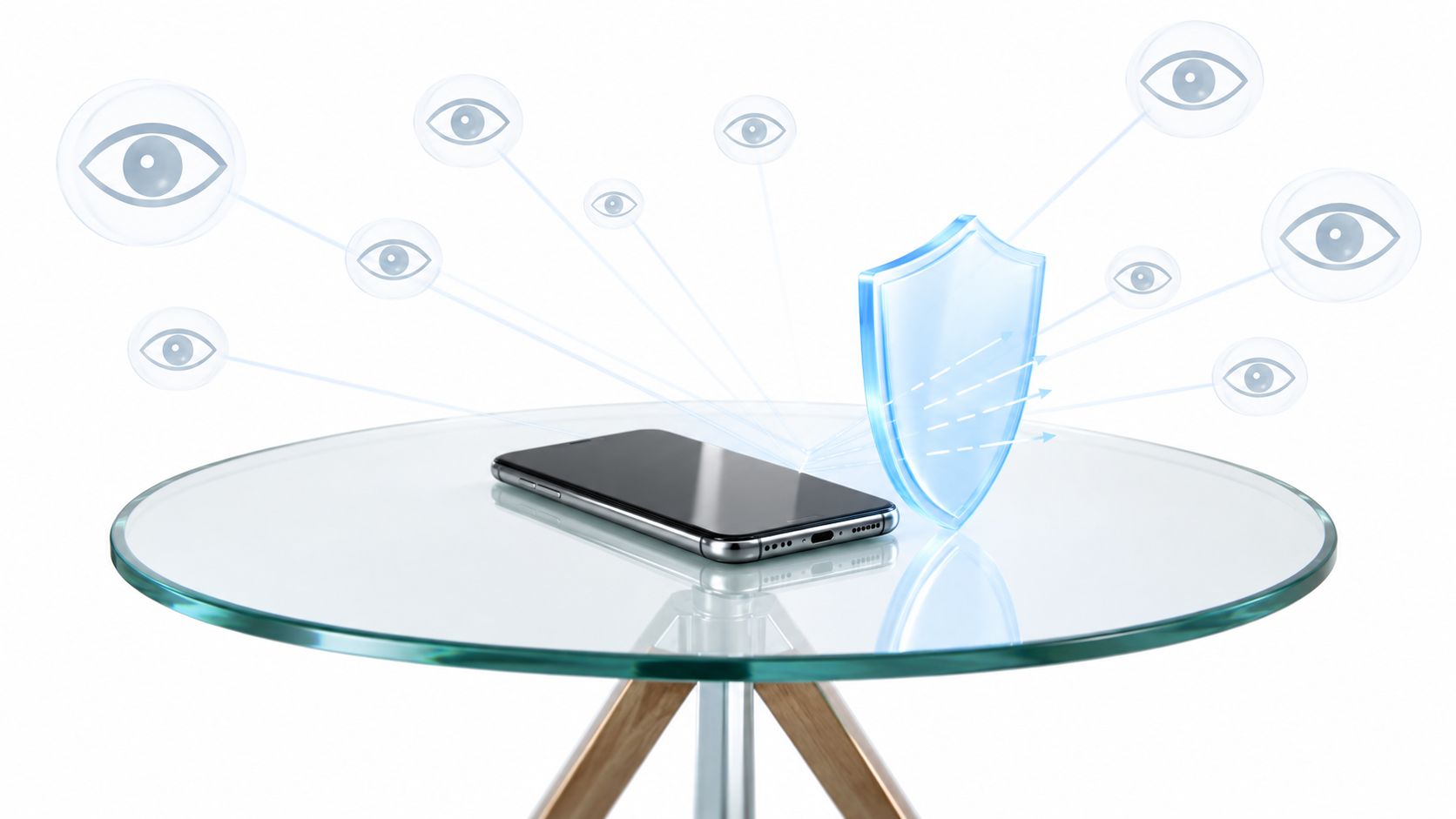
More monitoring can create more information, but it doesn’t automatically create more safety. If workers or family members believe an app exposes every movement to someone else, they may disable it, avoid using it, or reject adoption before the system is tested.
Privacy is therefore a reliability issue. A safety tool that people don’t trust won’t produce dependable coverage, even if its location and alert functions work well in technical testing.
Consent must match the use case
Family sharing, campus travel, and lone-worker protection each need different permission models. A user may consent to sharing a live journey without consenting to routine location history. An employee may agree to an emergency check-in process without agreeing to continuous managerial observation.
The evaluation should ask:
- Who can see location: Identify contacts, agents, administrators, and dispatch recipients.
- When sharing occurs: Separate active safety sessions from background monitoring.
- What gets retained: Clarify recordings, transcripts, route histories, and deletion options.
- How status is shown: Users should know when they are live, being watched, or temporarily hidden.
- How tracking pauses: A safe pause should be understandable and shouldn’t create an accidental emergency gap.
3rd-i’s Ghost mode controls illustrate the kind of product question buyers should ask: can the user temporarily leave the map while retaining a clear understanding of the safety consequences? A privacy control has value only when its behavior is visible and predictable.
Proportionality supports adoption
The privacy evidence is especially relevant to lone-worker programs. A recent report on worker experiences said feeling unsafe was more common than experiencing an actual safety incident, and 47% of surveyed workers said those experiences harmed their mental health, according to the reported worker-safety research.
That finding supports a broader definition of success. An app should help people feel supported without turning every journey into a managerial record. Clear consent, limited collection, visible monitoring, and purpose-specific sharing can improve both trust and practical use.
Implementing Your Safety App Strategy
Start with a defined scenario, not a feature checklist. Identify who may need help, who receives the first alert, who acts if that person doesn’t respond, and when emergency services should be contacted.
Then configure contacts, emergency pins, notification permissions, monitoring windows, and privacy settings. Run a supervised test with weak connectivity, a locked phone, a false trigger, and a missed check-in. Confirm that every recipient understands the alert language and escalation procedure.
Organizations should document consent, train users during paid working time, and review the workflow after real or simulated incidents. Individuals should test the app before a late journey, not during one.
3rd-i offers live video, audio, route sharing, trusted-contact viewing, and Safety Agent escalation through RapidSOS for personal, campus, family, and lone-worker scenarios. Visit 3rd-i to evaluate whether its human-monitored approach fits the response chain you need.